 Photo Jigsaw
Edges
The tray shows only the outer pieces. You do not search a pile for the border. When every edge piece is placed, this turns off by itself and you move on to the inside.
FASTER THAN PAPER
Photo Jigsaw turns your photo, or a sample photo, into a jigsaw you play in the phone browser. Unlike a paper puzzle, assists find the border, sort by color, show the finished picture, and zoom to the right spot, so you can finish in a short time.
The game screen follows your browser language.
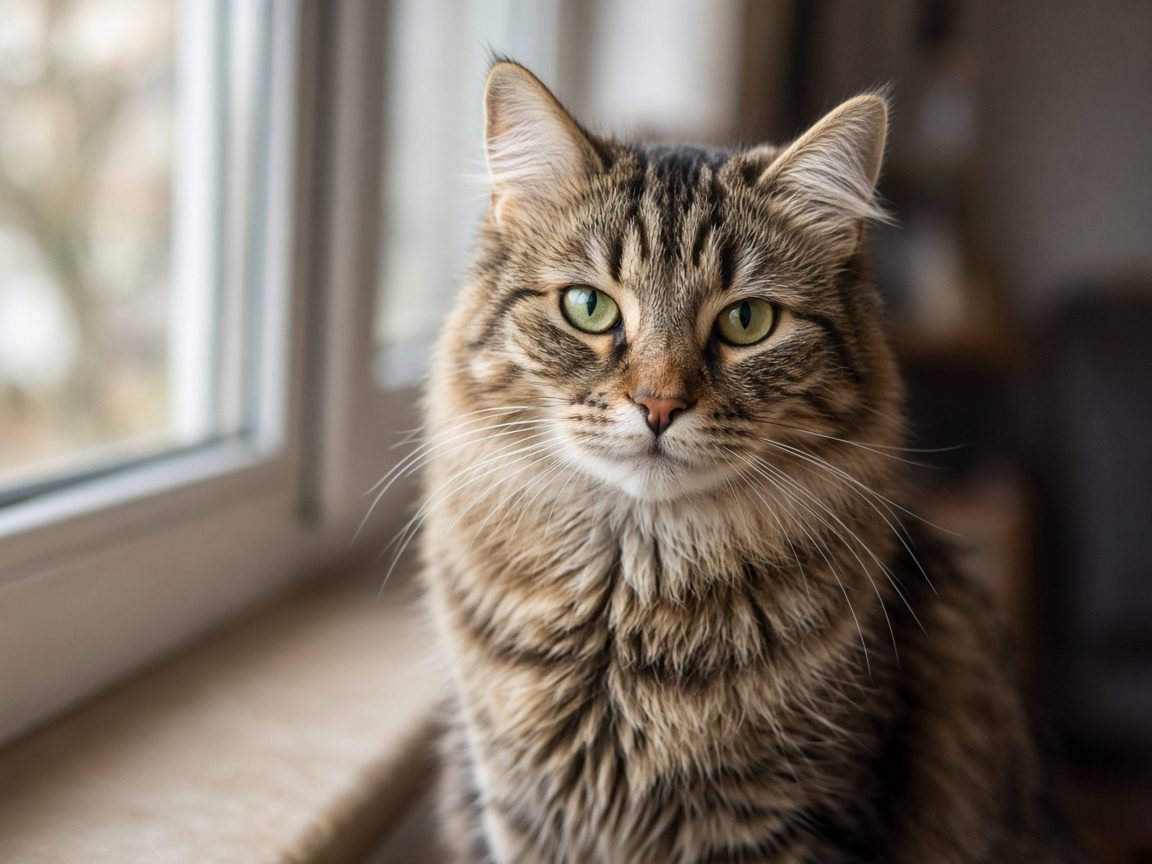
It is a jigsaw you play in the phone browser, with a sample photo such as scenery, a cat, or food, or with your own photo. Pieces do not rotate. A paper jigsaw takes time to find the border, gather similar colors, and compare the box picture. Photo Jigsaw does that work with assists.
The slow parts of a paper puzzle are buttons and zoom here.
The tray shows only the outer pieces. You do not search a pile for the border. When every edge piece is placed, this turns off by itself and you move on to the inside.
Pieces in the tray line up by similar color. You do not sort sky, skin, or food colors yourself.
Pinch with two fingers to zoom the board in or out. On a computer, the wheel does the same. Drag an empty spot to move the view. Match fine detail up close, then zoom out to check where it sits.
Choosing a piece in the tray shows it large, so you can check the shape and the picture without a finger covering it. Tap the large view to close it. The piece stays selected, so Place still works.
When you grab a piece, the view moves to the place where that piece belongs. A paper puzzle cannot do this. Each piece you place by hand stores one use, and you turn it on only when you want it. While it is on, the area around the board changes color.
It puts the selected piece in the correct spot. You can use it for 3% of the piece count, rounded up. A 99-piece puzzle allows 3 uses. Save them for the pieces you cannot find.
It pulls a zoomed view back until the whole board is visible, so you can check the layout after the border is done.
It shows the original photo on the spot. Instead of looking for the box lid, you open the picture with one button.
Open Photo Jigsaw in the browser. There is no app to install.
Pick a sample photo, or choose your own JPEG or PNG with Choose a photo.
Pick one of three counts near 100, 200, and 300 that fit the shape of that photo. The puzzle starts when you choose.
Drag pieces onto the board. Edges and By color shorten the search. Progress is saved on this device, so the same browser can continue later.
When you play with your own photo, it is cut into pieces only on that device. The photo is not sent to a server unless you gift it.
From the photo's shape, the game offers three counts near 100, 200, and 300. Wide photos and tall photos both keep the cells close to square.
During play you can create a link. The recipient solves it from the start on their own device. Send it on LINE or as a QR code. Only people with the link can open it, and the photo and the link disappear after 7 days.
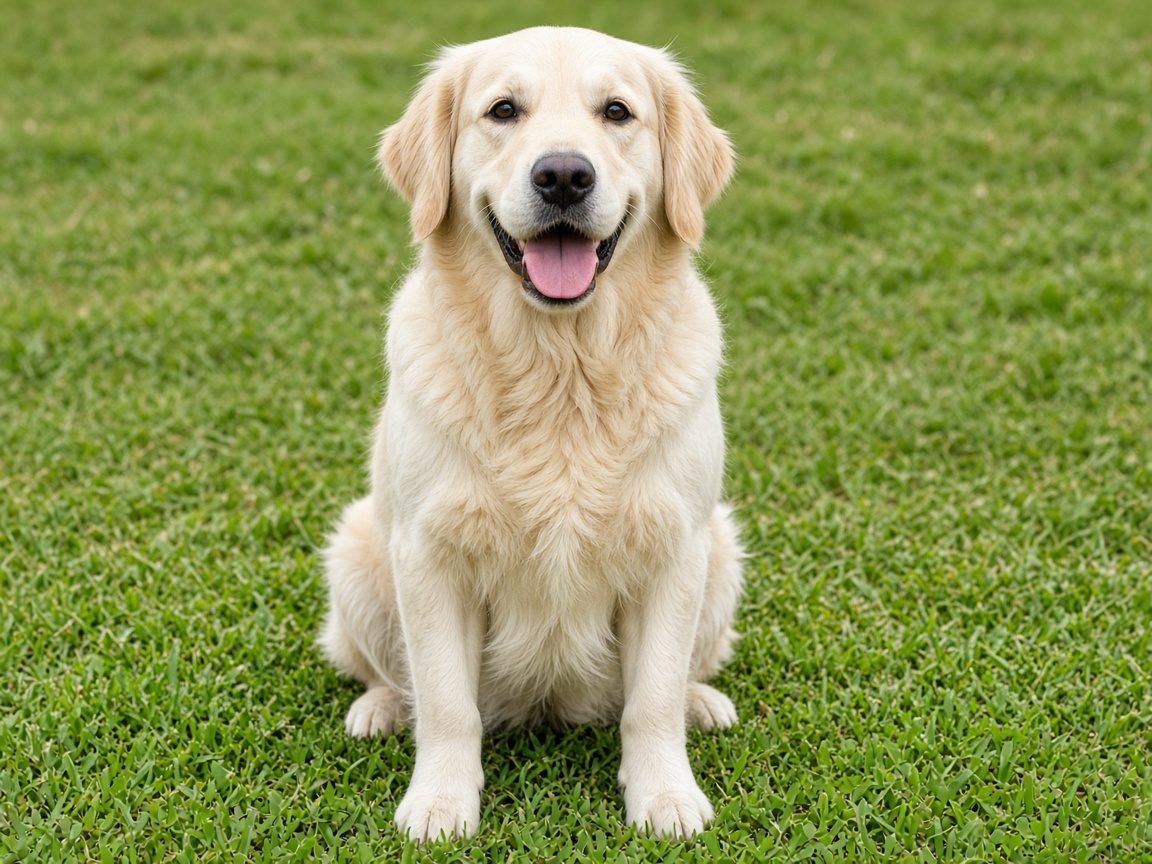


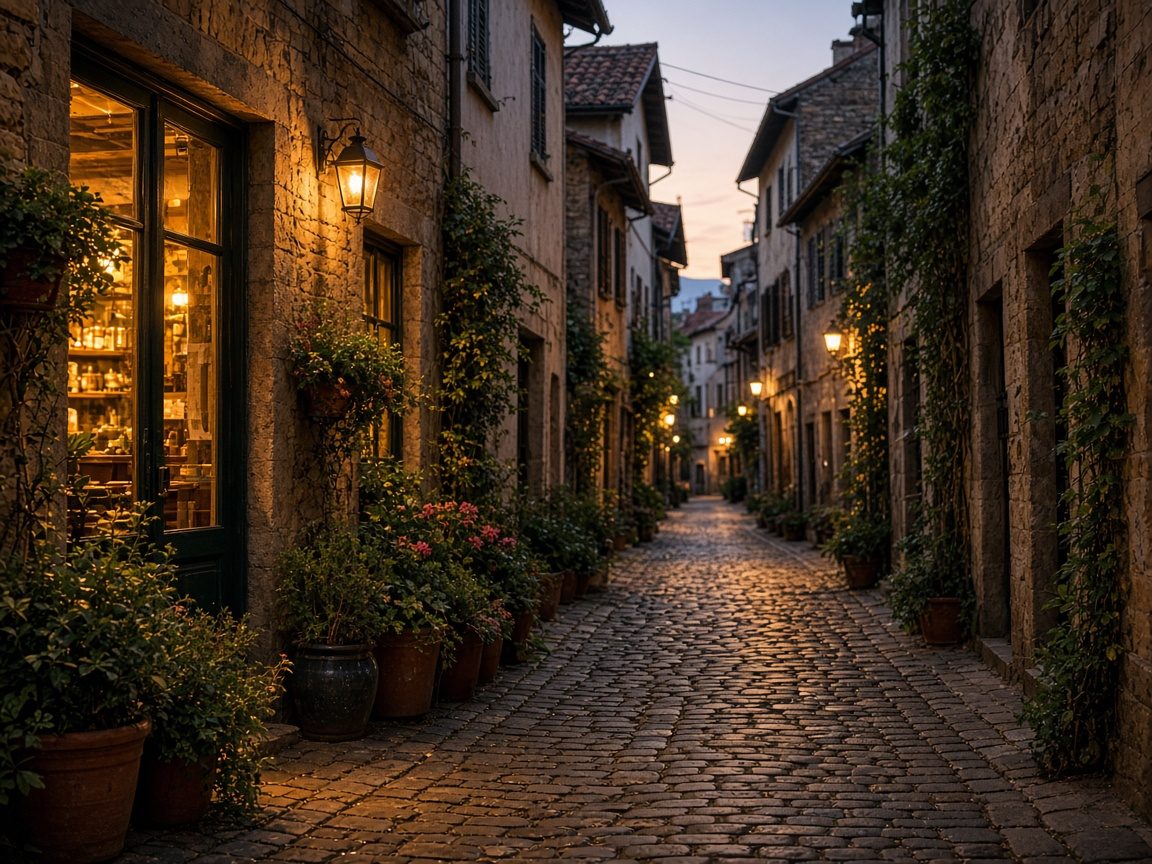
Yes. Assists find the border, group similar colors, show the finished picture, and zoom to the right spot, so it takes less time than a paper jigsaw.
Playing the puzzle is free. Ads may appear on the start screen and the clear screen. They do not appear on the board while you play.
Just playing does not send it. The photo is cut into pieces only on that device. The photo and the cut are stored on a server for 7 days only when you choose Gift.
After you choose a photo, three counts appear near 100, 200, and 300. The counts keep the cells close to square for that photo's shape.
The same browser can continue. Progress is saved on this device. Another device, or clearing site data, does not keep the saved game.
During play, Gift creates a link. The recipient solves it from the start on their own device. Only people with the link can open it. The photo and the link disappear after 7 days. You can send the link on LINE or as a QR code.
No. Open the browser and play.